Starts itself
No blank pages.
Let HourTile peek at your calendar, sleep and workouts, and it sketches the day for you. Keep what's right, repaint what isn't.

A journal for people who don't journal
HourTile shows you, one tile per hour. Your calendar and Health sketch in most of the day; a few swipes paint the rest.

Paint today
Go on, try it. Sleep, a run and your meetings are already in. Pick a tile and drag across the gaps.
“Shipped the fix. Beat the rain home.”
Starts itself
Let HourTile peek at your calendar, sleep and workouts, and it sketches the day for you. Keep what's right, repaint what isn't.
As it happens
The hour paints itself while you live it, on your Lock Screen, in the Dynamic Island and on your wrist. Switching takes one tap.
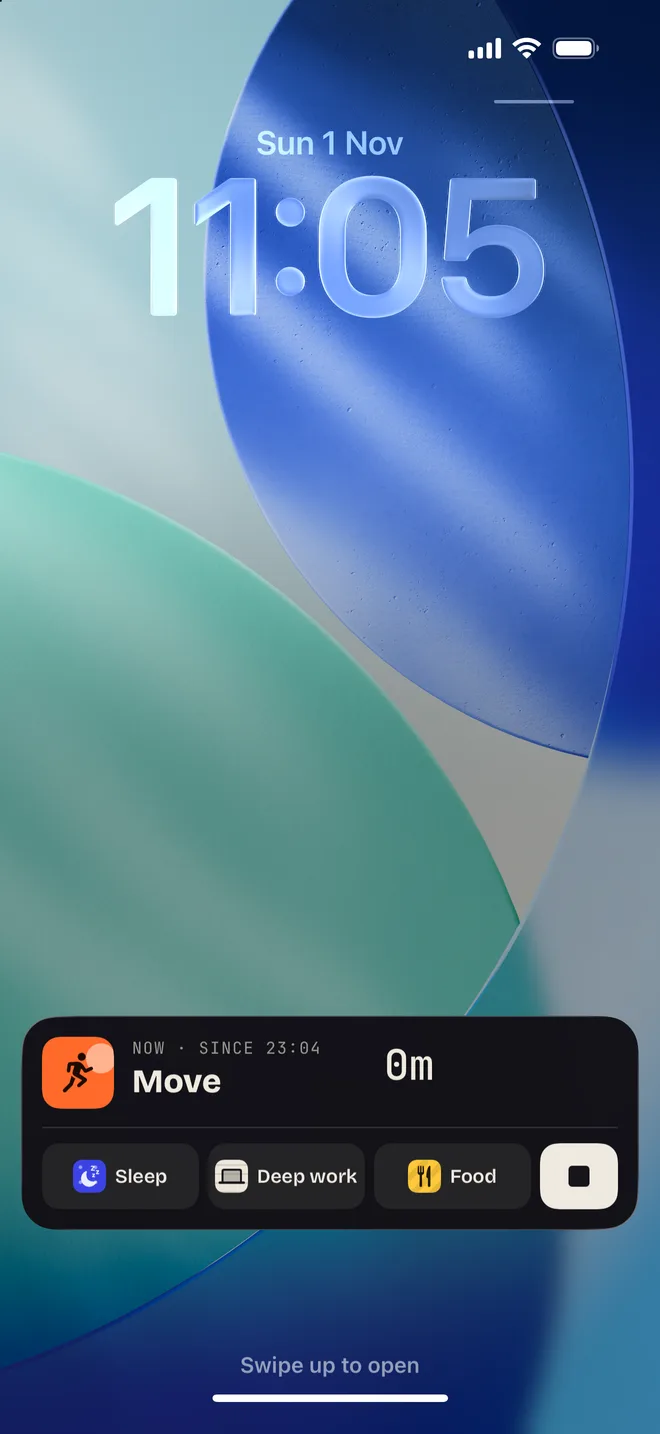
A line per hour
Jot a few words next to any hour. Later, the whole day reads back like a page from a diary.
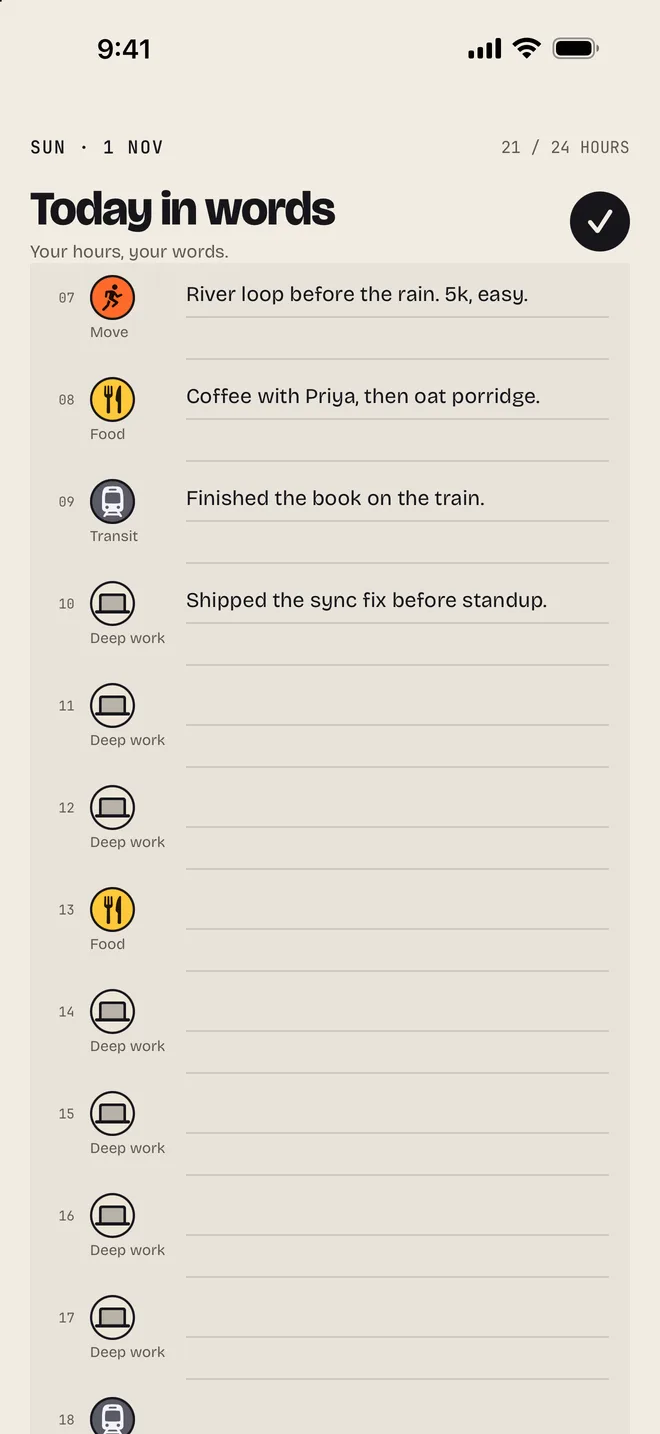
Yours alone
Your hours, your notes and anything HourTile reads from your calendar and Health stay on your iPhone and Apple Watch. It only ever reads; it never changes them. Read the privacy policy.